
Centralized AI Development Workflow for a Peer-Network Platform
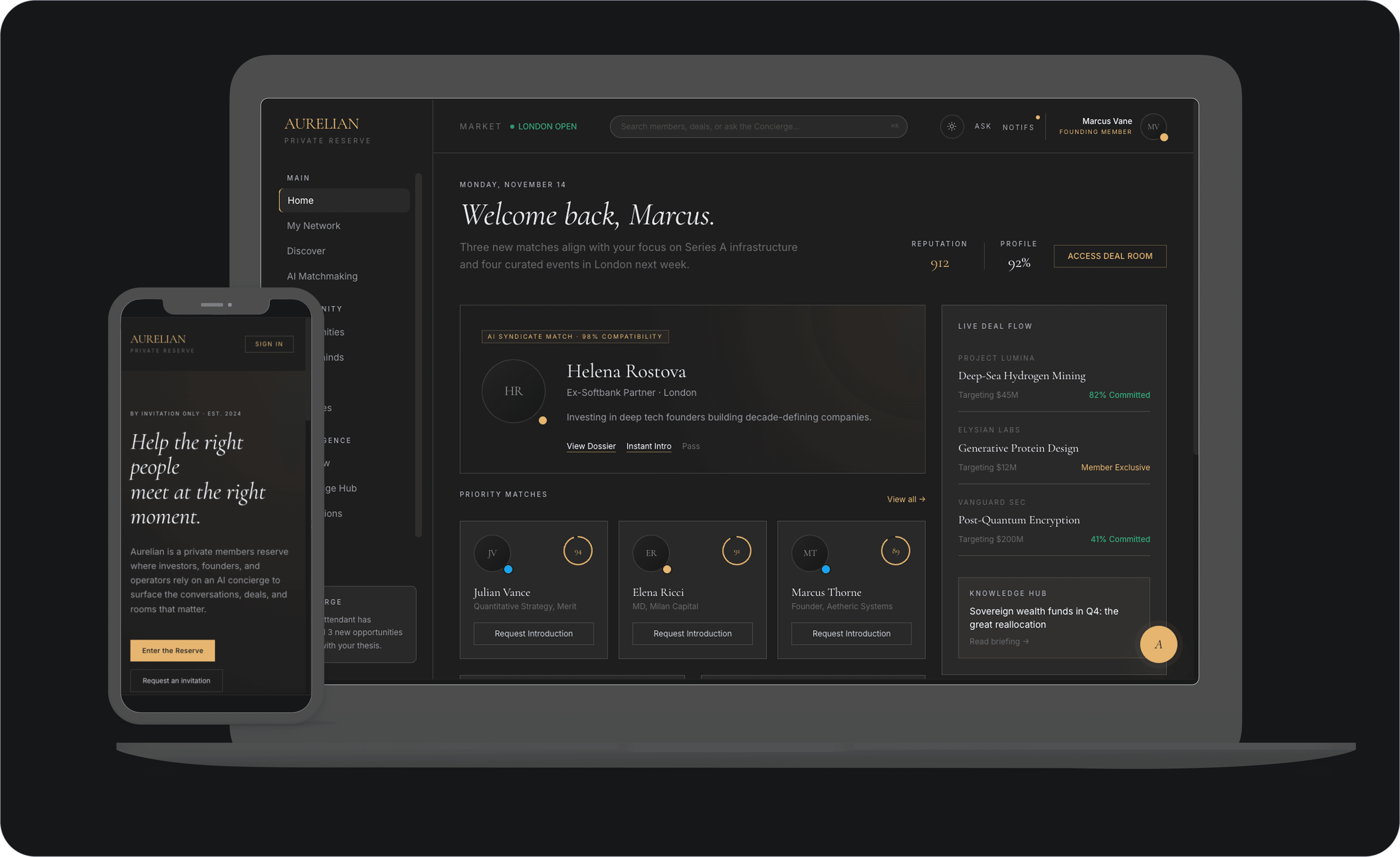


client
NDA
NDA
industry
Fintech
platform
Web application
3 months
Duration
4 employees
Team
Request
The client needed one configuration that would apply the same coding standards, design context, and ticket workflows to every AI assistant on the team. Our solutions should cut onboarding time for new developers, reduce hours spent on repetitive code review feedback, and increase overall delivery speed. The scope covered project rules, tool integrations, and a library of reusable instructions for recurring tasks.
Challenge
The key challenge was to create a single AI agent setup that operates consistently across AI coding tools (Claude Code, GitHub Copilot, and OpenAI Codex) without duplicating instructions. We had to combine the project's React and TypeScript into AI-readable rules that were precise enough to guide code production while being flexible enough to accommodate new feature development. The setup should also work with Figma, Jira, Confluence, and the OpenAPI schema.
Our solutions
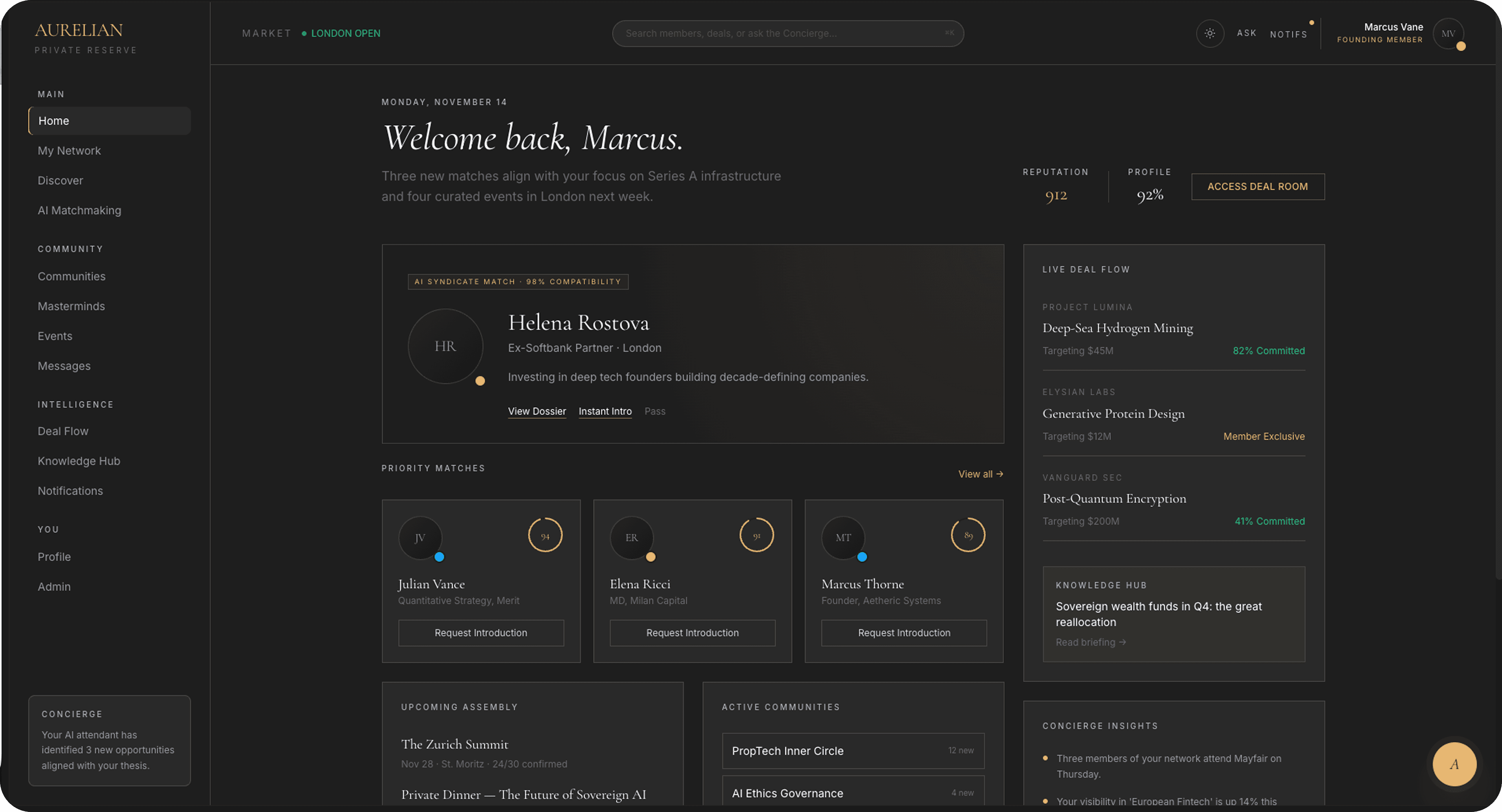
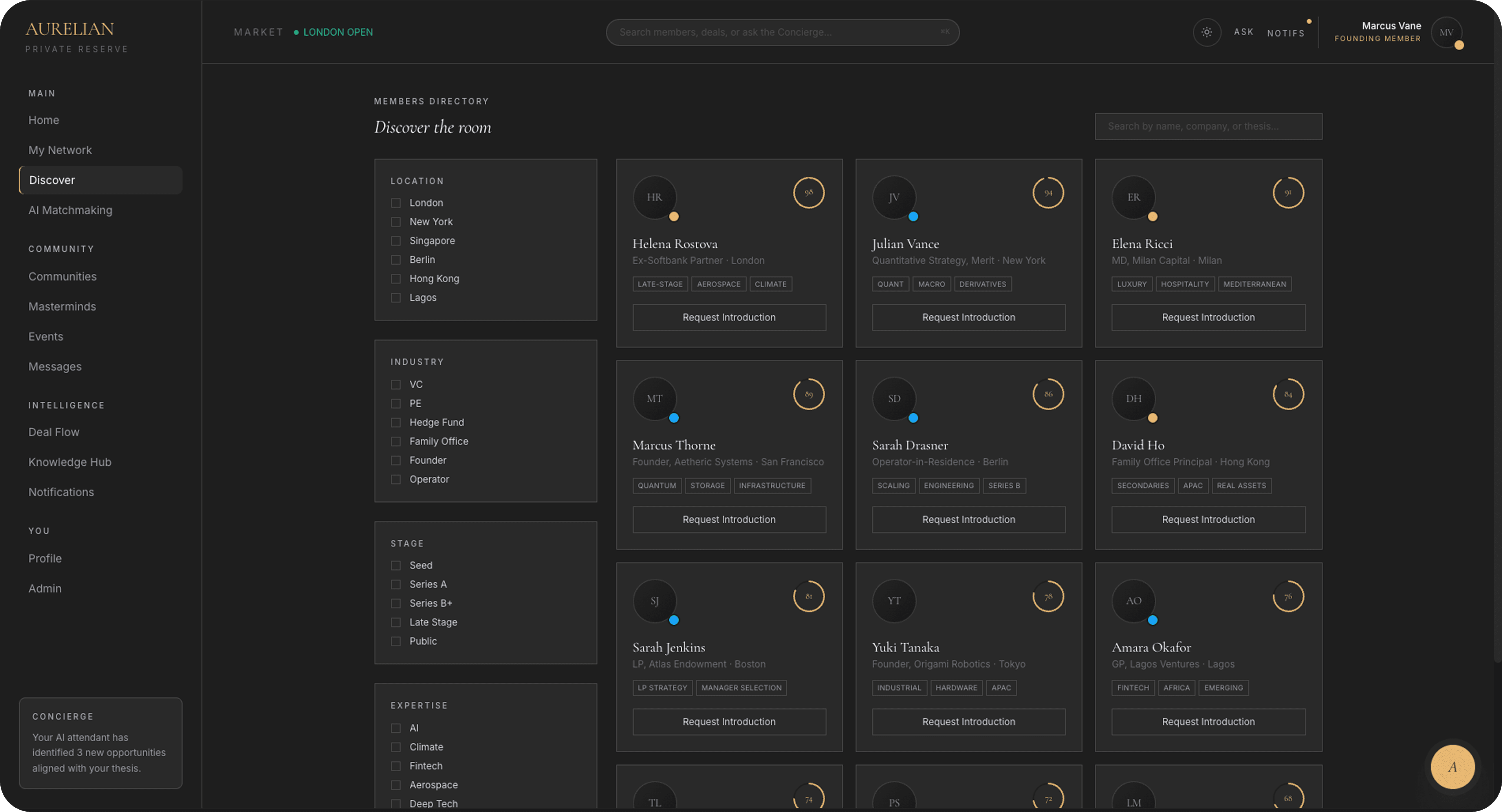
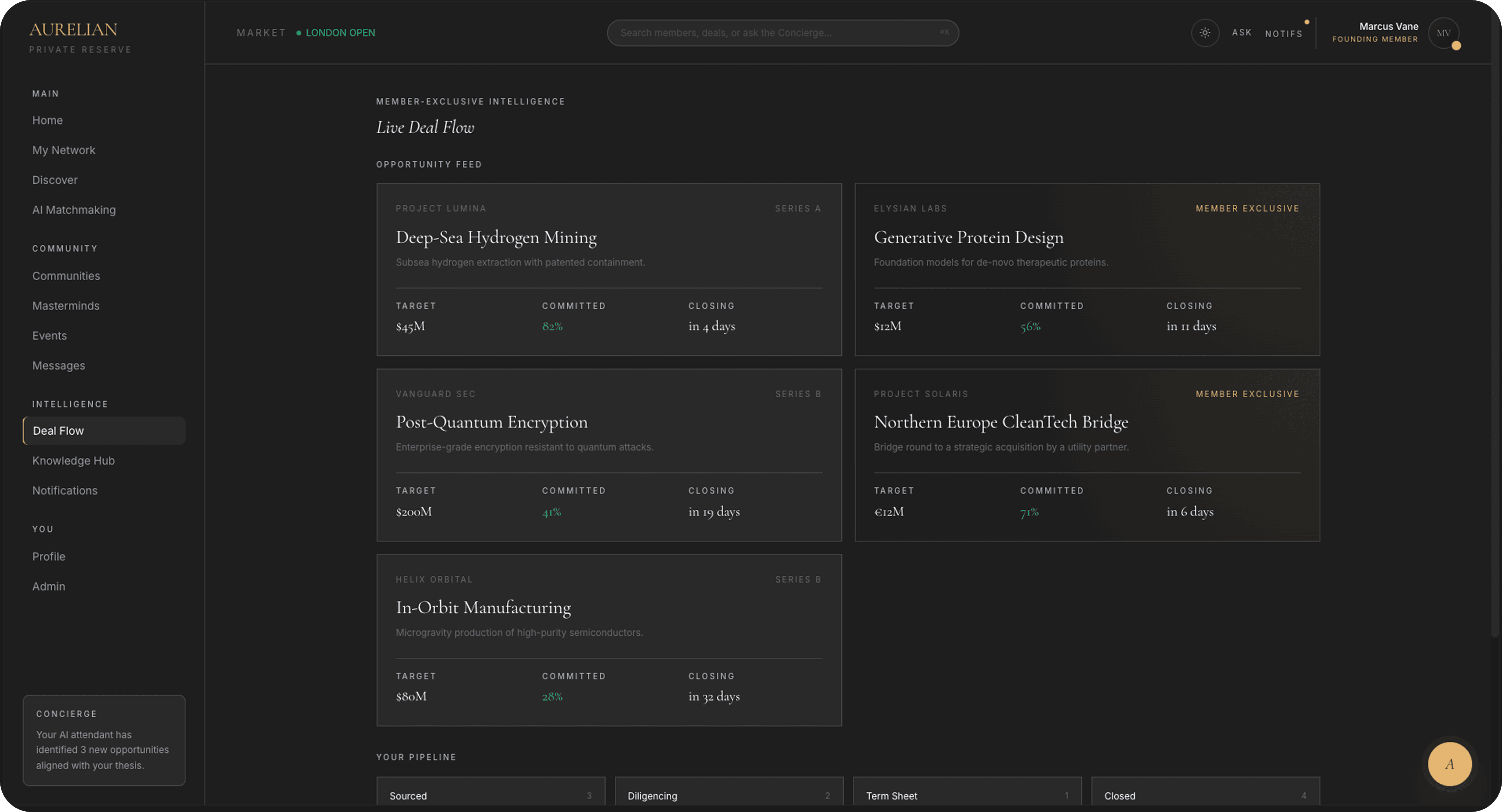
Our team created one shared rulebook for every AI coding assistant on the project, which is housed in a single folder and connected to each tool. We converted the team's coding standards and workflow stages into simple instructions that AI could understand. Our expert packed over 40 ready-made templates for the tasks that engineers performed the most frequently. Examples include forms, lists, tests, and API calls. The setup also pulls live context from Figma, Jira, Confluence, and the project's API specification, so the AI works with the real project reality and remembers team preferences across sessions.
Core Features
Single Source of Truth for All AI Tools
Our Yojji team set up a central folder to store all of the project's rules, guidelines, and templates. We then tied it to each AI assistant's expected position. Claude Code, GitHub Copilot, and OpenAI Codex all read from the same location. It means that any update affects all tools at once. No developer keeps a distinct setup. The team can add additional AI tools later without changing the settings.
Project-Aware Instructions and Cross-Session Memory
A master instruction file specifies the product's architecture, coding standards, commit format, and how the AI should behave during a task. The system also saves developer preferences and earlier input between sessions, ensuring that each engineer retains the AI's learning context from one workday to the next and that the assistant does not make the same mistakes after restarting.
40+ Custom Skills for Recurring Tasks
We packaged the team's most repeated work into ready-made instructions that the AI can run on command. We noticed that they are building forms, paginated lists, cards, tests, Jira tickets, and API requests that match the project's OpenAPI schema. Developers trigger a skill with one short command and get code that matches the project's standards on the first try. They don’t need to rewrite the same patterns by hand or fix later in code review.
Full Workflow with Live Figma, Jira, Confluence, and API Integration
A connected set of actions moves a feature from planning to delivery. It creates a specification, implements the code, and then compares the results to the original design. The AI connects to Figma, Jira, Confluence, the project's OpenAPI schema, and Playwright via MCP servers. It reads design specs, ticket requirements, and API contracts directly from the source, rather than relying on developers to copy and paste context into the chat.
Results
- Our Yojji team implemented a centralized AI configuration that manages three AI coding assistants from a single source of truth and includes 40+ unique skills for recurrent development activities.
- Bugs that previously required hours of manual investigation now resolve up to 98% faster, since the AI uses semantic code analysis and live documentation to locate the root cause instead of the team searching through the codebase by hand.
- Onboarding a new developer to the AI workflow now takes around 2 hours instead of 2–3 days, because every engineer inherits the same pre-configured setup, skills, and integrations from the very beginning.
- Repeated code-review comments on style, structure, and project conventions fell by roughly 67%, because AI-generated code matches the project's standards on the first try.
- 6 live integrations (Figma, Jira, Confluence, OpenAPI, Playwright, library documentation) connected through MCP servers, giving the AI direct access to design, ticket, and API context without manual copy-paste.


